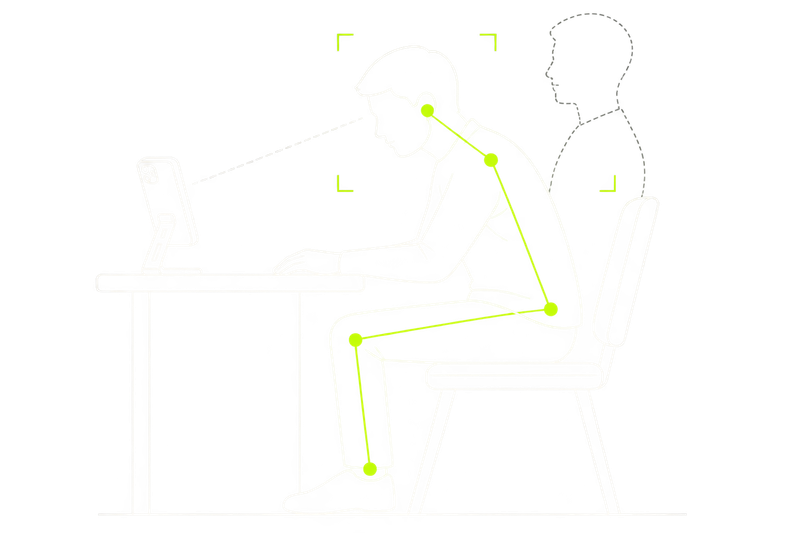
Head down
Head position continues moving downward.
Let your iPhone gently remind you of sustained posture changes while you study, read, or work.
How to download Posturely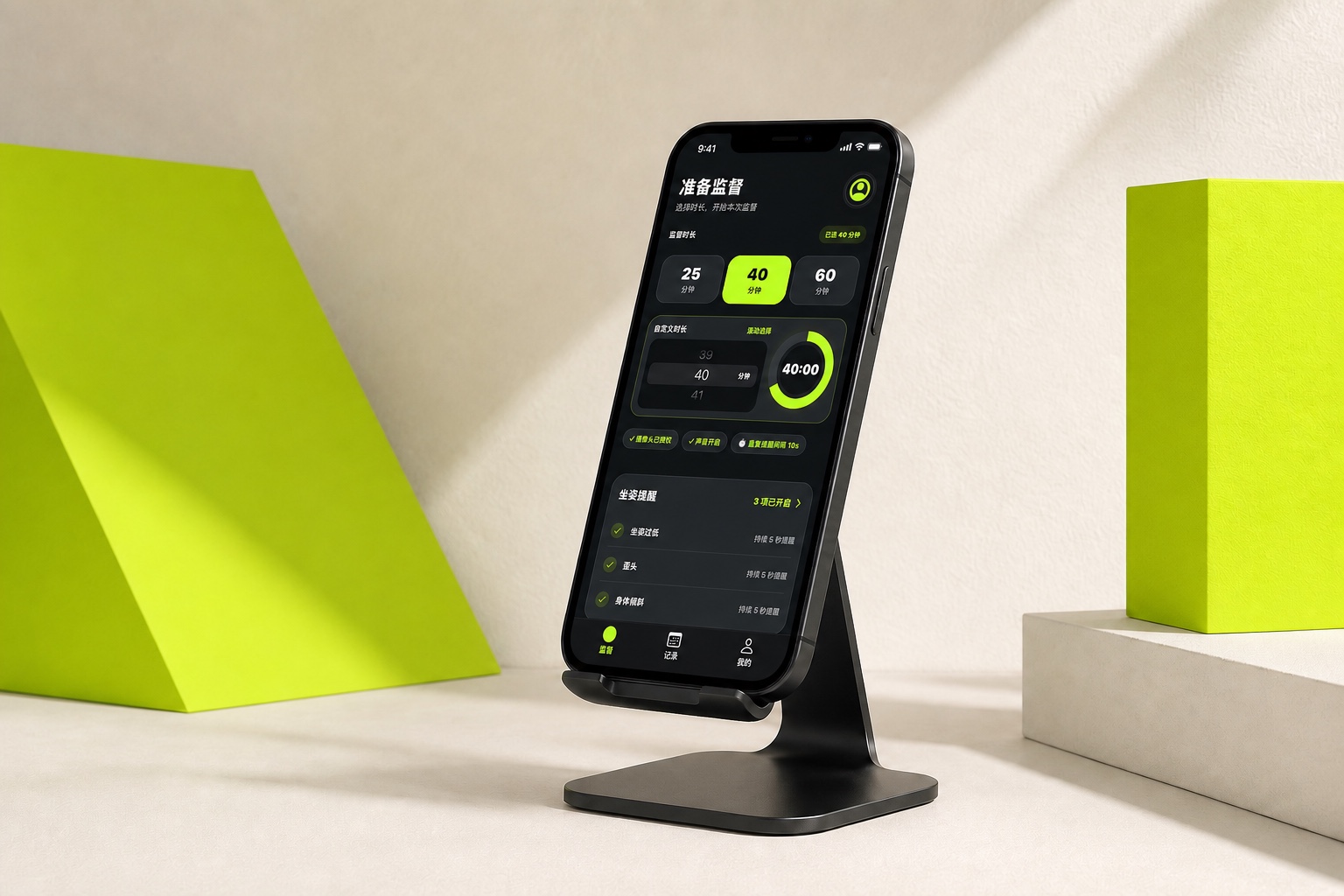
From placing your device to receiving a reminder, every step is clear and simple.
See the full guide01
Set your iPhone or iPad on a stable desk stand where your upper body is clearly visible.
02
Choose a session length, establish a reference posture, then return your attention to what matters.
03
When a sustained head-down, forward-leaning, or tilted change is detected, receive a sound or vibration reminder.
Posturely compares sustained visible changes with the reference established for your current session.
Explore all featuresHead position continues moving downward.
Upper body continues moving forward.
Upper body tilts noticeably to either side.
Posture differs from the session reference.
Bring quiet posture awareness into the desk moments that matter to you.
Stay aware during focused study.
Notice sustained changes during longer reading.
Keep your attention on the page.
Fit awareness into everyday tasks.
Add gentle reminders to extended screen time.
Camera frames used for posture detection are processed locally on your iPhone or iPad and are never uploaded to any server.
Learn about privacyPosturely is an iPhone and iPad app for posture awareness during focused desk time.
It observes visible upper-body changes during an active session and compares them with that session’s reference posture.
No. Camera frames used for posture detection are processed locally on the device.